


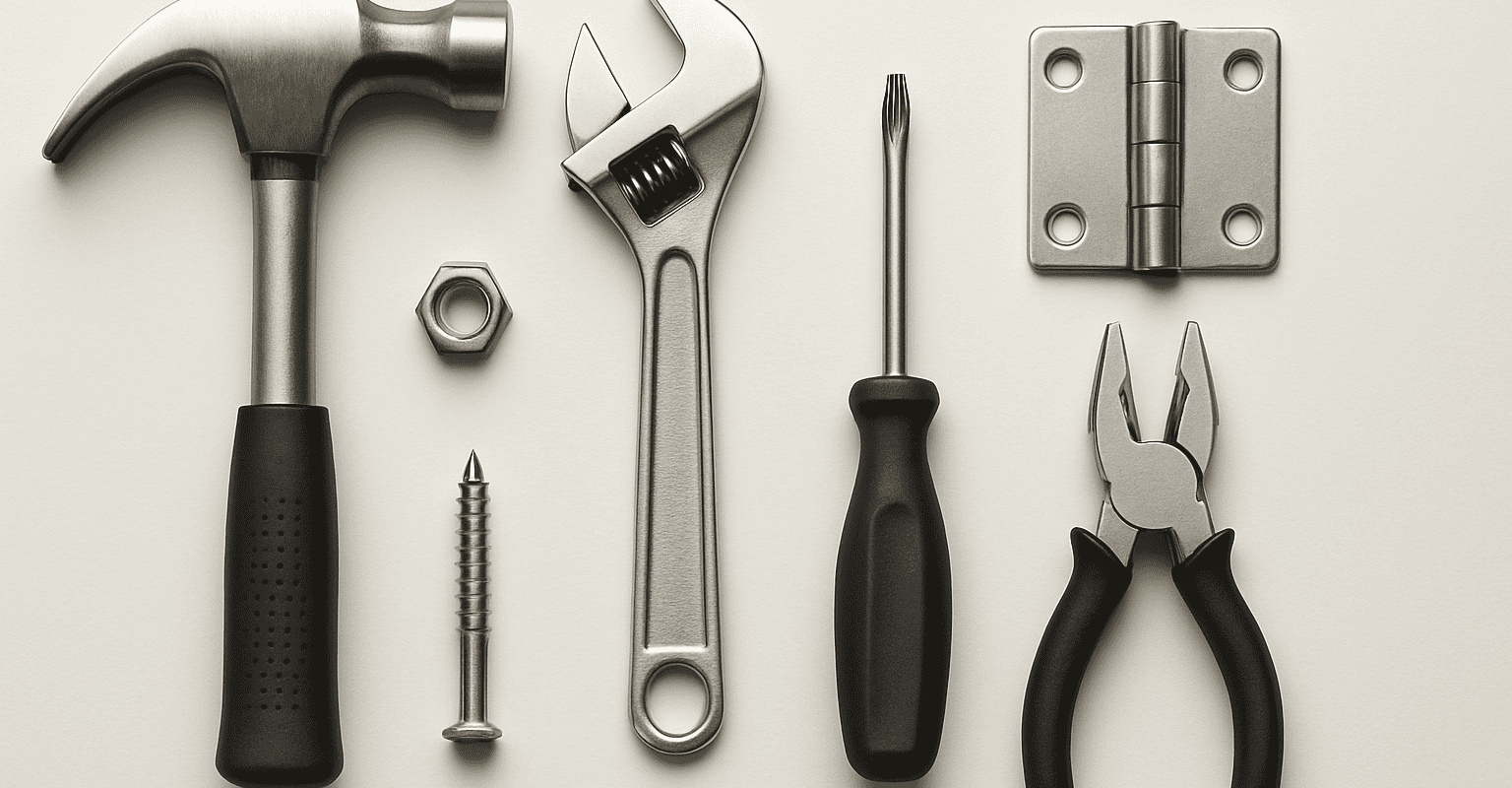
When talking about hardware, it is often thought of as an indistinct set of secondary components. In reality, the correct choice of hardware directly affects compatibility with the system, ease of assembly, continuity of use, and durability over time. A hardware guide well-structured guide helps precisely to avoid hasty purchases and replacements unsuitable for the installation context.
In a professional setting, hardware should not be evaluated only by shape or apparent size. What matters is the type of application, the material it must interact with, the system in which it will be inserted, and the possibility of performing a correct hardware maintenance over time. For this reason, it is useful to approach the choice with a clear method, checking every detail before ordering.
Se stai confrontando più soluzioni, può essere utile partire da una panoramica delle categorie disponibili, per poi approfondire gli elementi tecnici e i ricambi collegati. In molti casi, una selezione accurata all’inizio evita incompatibilità, adattamenti improvvisati e tempi di fermo non previsti.
What is hardware used for in a system
Hardware includes all those components that allow you to fix, connect, adjust, support or complete an installation. It is therefore not a marginal accessory, but a functional part of the system. Depending on the application, hardware can contribute to the stability of the assembly, the precision of alignment, the tightness of the whole, and the ease of subsequent interventions.
In a professional scenario, the function of hardware changes depending on the context:
- support of elements that must remain reliably in position;
- connection between parts that must work together without unwanted play;
- adjustment or adaptation in the presence of variable configurations;
- closure or locking of components subject to frequent use;
- facilitation of maintenance when it is necessary to disassemble and reassemble without compromising the system.
A good hardware guide always starts from a simple question: what role must the component play in the system? The answer guides the entire subsequent choice. An element designed solely for fastening should not be evaluated as one intended to compensate for movements, vibrations, or repeated openings.
For those managing installations, assistance, or technical procurement, it is useful to also consider the component's lifecycle. Hardware chosen only based on size may seem correct immediately but prove impractical when intervention is needed for replacement, cleaning, or adjustment. In this sense, the relationship between hardware and maintenance is closer than it seems.
Another often underestimated aspect concerns the environment of use. Humidity, exposure, frequency of use, presence of agents that can affect materials, or the need for recurring disassembly are all factors that change the selection criteria. If the operational context is unclear, the advice is always the same: check the product sheet and compare the characteristics with the real application.
Per orientarti meglio tra famiglie di componenti e destinazioni d’uso, può essere utile consultare anche una guida alle soluzioni per installazione o una raccolta di ricambi e accessori correlati.
Compatibility, measurements, and technical checks of hardware
Compatibility is the first real selection criterion. Even when two components seem similar, it is not guaranteed that they are interchangeable. In hardware, minimal differences in shape, center distance, fastening system, or geometry can make assembly impossible or compromise functionality.
To avoid mistakes, it is advisable to follow an orderly verification sequence.
Check the type of system and the application point
First of all, you need to understand where the system must be sealed is the fastest way to avoid micro-leaks, seepage, or cracked fittings from over-tightening. where the hardware will be installed and with which parts it will have to interact. A component suitable for one application is not automatically compatible with another, even if visually similar. It is important to verify:
- the required function in the system;
- the support on which it will be mounted;
- the presence of existing elements to be maintained;
- the type of coupling required;
- the need for subsequent opening, adjustment, or disassembly.
This initial analysis is especially fundamental when purchasing a spare part. In that case, it is not enough to look for a “similar” component: it is necessary to verify that the new element is consistent with the existing assembly.
Check measurements, sizes, and fastening points
Measurements are one of the most frequent causes of error. You should not only consider the overall size of the piece but also all the references that affect assembly. Among the most useful checks are:
- center distances and distances between fastening points;
- diameters or coupling sections;
- thicknesses compatible with the support;
- overall dimensions in opening or working position;
- orientation of the component, when provided.
If the component must fit into a limited space, it is useful to also check for nearby obstacles, maneuvering margins, and mounting tolerances. In the absence of certain data, it is advisable not to proceed by analogy: check the product sheet or compare the component with the one already installed.
Materials and usage compatibility
The durability of the hardware also depends on the relationship between the materials involved. A component may be dimensionally correct but poorly suited to the environment or the support on which it must work. For this reason, it is important to consider:
- the hardware material;
- the material of the structure or the component to be fixed;
- the frequency of use;
- exposure to humidity or harsh conditions;
- the need for periodic disassembly.
This evaluation is central to setting a good hardware maintenance strategy. When a component is intended to be opened, adjusted, or replaced multiple times, the choice must also prioritize ease of intervention and long-term stability.
Compatible replacement or new installation
The criteria are not always identical. If you are choosing hardware for a new installation, you can consider the entire system and select the most consistent components. If, instead, you are looking for a replacement, the priority becomes compatibility with what is already present.
In case of replacement, it is useful to first gather this information:
- photos of the mounted component;
- measurements taken directly;
- installation position and direction;
- any associated accessories;
- usage conditions that led to the replacement.
Questo approccio riduce il rischio di scegliere un elemento corretto sulla carta ma inadatto nella pratica. Se vuoi approfondire il metodo di confronto tra componenti, puoi consultare anche una guida alla compatibilità dei ricambi.
Typical errors in hardware ordering or installation
Many problems do not arise from the product itself, but from an incomplete evaluation before purchase or assembly. Knowing the most common mistakes is useful to avoid them in advance.
Choosing based on appearance and not function
One of the most frequent mistakes is buying a component because it “looks the same” as the one to be replaced. In hardware, aesthetic similarity and real compatibility do not always coincide. Two elements may have a similar shape but different fixing points, different orientation, or incompatible modes of use.
The practical rule is simple: first function and measurements, then shape.
Neglecting the direction or mounting side
Some components are not reversible or require precise orientation. If this detail is ignored during ordering, installation may be impossible or unstable. When the direction is not obvious, it is advisable to check technical images, description, and product sheet.
Not considering the set of connected components
Hardware rarely works alone. It often depends on the presence of supports, fastening elements, accessories, closing parts, or complementary components. Ordering only the main piece without verifying what is needed around it can slow down installation and generate additional corrective purchases.
For this reason, before confirming the order, it is worth asking:
- is a complementary accessory also needed;
- is the fastening already available or must it be planned;
- are there worn parts to be replaced together;
- does the installation require additional elements;
- will future maintenance be easy with this configuration.
Installing without preliminary verification
Another common mistake is proceeding immediately with installation without a bench check. When possible, it is preferable to first verify the coupling, alignment, and correspondence of fastening points. This step reduces the risk of forcing, improper adaptations, or damage to the support.
Effective hardware guidance does not just indicate what to buy, but also suggests how to check the component before installation. Especially in a professional context, a few minutes of preventive verification can avoid much more costly subsequent interventions in terms of operating time.
Ignoring future maintenance
The choice of hardware should always take maintenance into account. If a component is installed in a hard-to-reach position or with a system that is difficult to disassemble, every subsequent intervention becomes more complex. This is even more true in systems that require periodic checks, scheduled replacements, or frequent access.
Integrating maintenance hardware into the selection process means asking from the start:
- will the component be easily inspectable;
- can it be removed without compromising nearby parts;
- is the associated accessory available as a spare part;
- will the configuration remain manageable over time.
Those who work continuously on systems and spare parts know that true efficiency depends not only on the first installation but on the ease with which future interventions will be possible.
Products, spare parts, and accessories useful to complete the choice
When selecting hardware for a system or replacement, it is advisable to think in terms of a system. Even if the main component is correct, the final result often depends on the presence of compatible spare parts and accessories consistent with the application.
For this reason, during the purchasing phase it is useful to check not only the part that solves the immediate need, but also everything that can facilitate assembly, adjustment, and subsequent maintenance. A complete choice reduces operational interruptions and makes technical warehouse management easier.
When to also consider spare parts
If the system has been in use for some time or if the component operates under demanding conditions, it may be sensible to consider the availability of related spare parts from the start. This approach is particularly useful when:
- the system is subject to wear over time;
- periodic interventions are planned;
- a secondary part can compromise the functioning of the whole;
- you want to reduce downtime in case of replacement.
In these cases, a well-set hardware guide does not stop at the main component but includes a broader vision, oriented towards operational continuity.
Accessories that simplify installation and management
The right accessories can make the difference between a straightforward assembly and an installation that needs to be corrected multiple times. Without going into the details of individual products, it is advisable to check if the application requires completion elements, dedicated supports, compatible fastening systems, or parts useful for adjustment.
Se stai valutando più opzioni, può essere utile confrontare anche le sezioni dedicate a accessori per il montaggio e componenti per manutenzione e ricambio, così da costruire una soluzione coerente e non frammentata.
An additional advantage of this approach is greater predictability in future management. When main components and accessories are selected wisely, maintenance hardware also becomes simpler, because every intervention fits into a configuration already designed to be managed over time.
Finally, remember that the best choice is not always the apparently most immediate one, but the one that guarantees real compatibility, correct assembly, and continuity of use. If you have doubts about measurements, application, or associated accessories, the most reliable reference always remains the component's technical datasheet: check the product sheet.
Recommended products
 Twisted stainless steel shackle microcast mm 5 – code: 08.856.05 – Osculati
 Telescopic gas spring 900 mm 42 kg – code: M3542900 – Trem
 Spring stainless steel compass 26 mm B-D – code: 38.421.78 –
 Galvanized steel omega shackle 25 mm – code: 0123425 – Motomarine
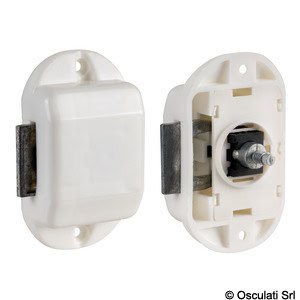
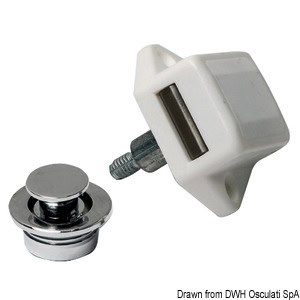 Chrome-plated brass button 19 mm – code: 38.182.10 – Osculati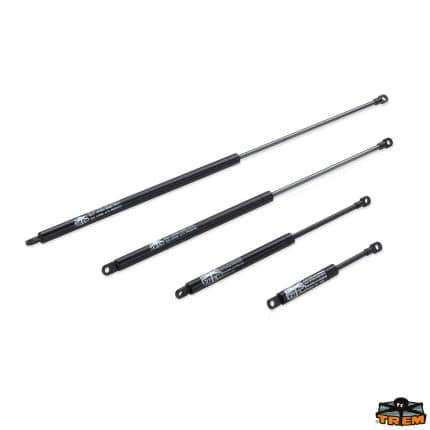
Choosing the right hardware with a practical method
In summary, to choose hardware effectively it is advisable to follow a simple but rigorous path:
- precisely define the function of the component;
- verify compatibility with the system and existing parts;
- check measurements, dimensions, and fastening points;
- consider materials and conditions of use;
- evaluate spare parts and accessories useful for future management;
- take maintenance into account already at the selection stage.
This method helps both those who need to carry out a new installation and those looking for a reliable replacement without wasting time on incompatible attempts. In a professional context, a well-built hardware guide is a concrete tool to improve precision, order, and operational continuity.
If you want to quickly find the most suitable solution, explore the category dedicated to hardware and the brands available in the store: you will find components, spare parts, and accessories designed for professional applications, with product sheets useful for checking compatibility and details before ordering.
FAQ
How do I know if a hardware store is compatible with my system?
To verify compatibility, check the component's function, dimensions, mounting points, orientation, and material. If it is a replacement part, also compare it with the piece already installed and check the product sheet.
What measurements should I check before ordering hardware?
It is generally useful to check center distances, diameters or coupling sections, thicknesses, overall dimensions, and mounting direction. If any data is unclear, it is better to verify it in the product sheet before purchasing.
Is it better to replace only the main component or also consider accessories and spare parts?
It depends on the application, but in many cases it is advisable to also check accessories, fastening elements, and related spare parts. A complete choice simplifies assembly and makes future maintenance easier.
Why is maintenance important when choosing hardware?
Because a proper hardware must not only fit well, but also remain manageable over time. If the component requires inspections, adjustments, or periodic replacements, it is important to choose a solution that facilitates subsequent interventions.
What is the most common mistake when buying hardware online?
One of the most common mistakes is choosing a component just because it looks similar to the one to be replaced. Visual similarity does not guarantee compatibility: technical checks on measurements, function, and mounting system are always required.


