


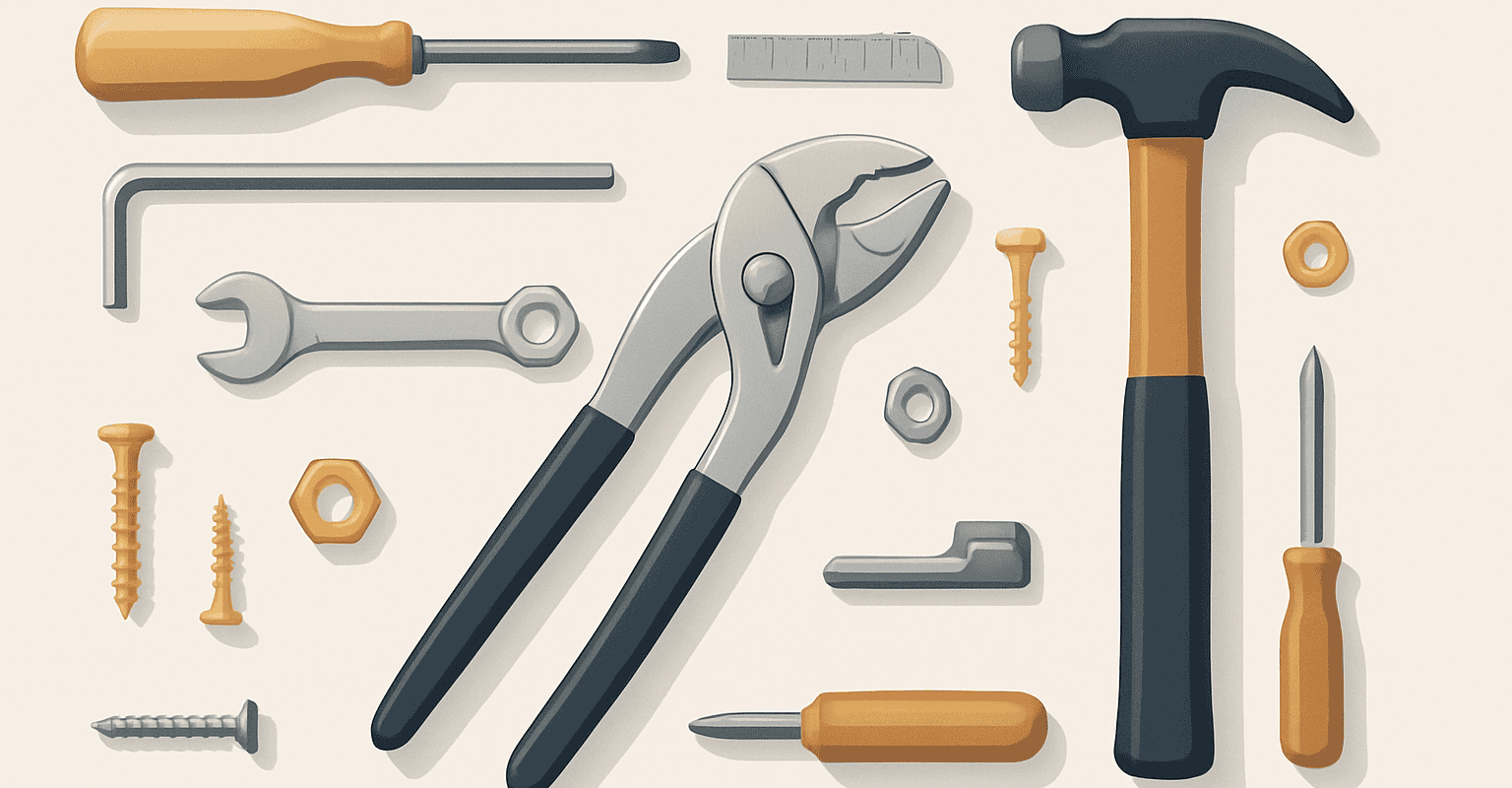
What hardware is for and why a wrong choice creates problems immediately
When talking about hardware, it tends to be thought of as a generic set of secondary components. In reality, it is often the hardware itself that determines the successful outcome of an assembly, the durability of an installation, and the ease of maintenance over time. A hastily chosen element can slow down the work, force unplanned modifications, or make a system unstable that, on paper, seemed correct.
A good hardware guide it is not only useful to understand what to buy, but above all to avoid the most common mistakes: incompatibility between parts, misinterpreted measurements, forgotten accessories, and assemblies carried out without preliminary checks. These are frequent situations both in professional settings and in simpler installations, where the problem almost never arises from a single component, but from a chain of small wrong assessments.
Hardware comes into play in many contexts: fastening, support, joining, adjustment, closing, movement, and replacement of parts subject to wear. For this reason, it is not enough to look for “a compatible piece”: you need to understand how it will work together with the other elements, in which environment it will be installed and how often it will be subjected to use or interventions of hardware maintenance.
Prima di procedere con l’acquisto, può essere utile consultare anche una panoramica delle soluzioni per il fissaggio e il montaggio, così da inquadrare meglio il tipo di componente richiesto e il contesto applicativo.
Hardware buying guide: how to evaluate compatibility, measurements, and technical checks
The most delicate phase is not the assembly, but what comes before. A correct choice arises from a careful verification of compatibility and dimensions. Many returns, replacements, and wasted time depend on a superficial reading of the technical sheet or a visual similarity mistaken for equivalence.
Start from function and usage context
The first step is to precisely define what the component must do. Should it block, support, connect, guide, protect, or allow adjustment? A typical mistake is to look for a replacement based only on shape. Two apparently similar items can have different intended uses and behave differently once installed.
Always ask yourself:
- on which structure it will be mounted;
- which other elements it will have to interact with;
- whether the assembly will be permanent or require future disassemblies;
- whether the usage environment is indoor, outdoor, or subject to humidity, dust, or frequent stresses.
This information helps select the most suitable hardware and reduce the risk of unnecessary purchases.
Check the actual measurements, not just the category name
One of the most common mistakes concerns dimensions. Relying on the commercial definition or just the photo often leads to choosing components that cannot be installed. The measurements to check vary depending on the type, but in general it is important to check:
- diameters, useful widths and lengths;
- center distances and fixing points;
- compatible thicknesses;
- insertion depth or clearances in opening, closing, or sliding;
- any necessary fees for proper matching.
If a detail is not clear, check the product sheet. When possible, compare the measurements of the component to be replaced with those of the new item, avoiding relying on visual estimates or approximate measurements.
Compatibility between hardware, supports, and accessories
Compatibility does not only concern the main part. Often the problem arises from the relationship between hardware, support, and complementary accessories. A correct fastening on one material may not be so on another; a connecting element may require specific seats, holes, or thicknesses; a replacement may look identical but not fit the existing system.
For this reason, it is advisable to always check:
- support material;
- type of mounting provided;
- presence of necessary complementary elements;
- any differences between new installation and replacement of a worn component.
Una verifica preventiva evita di bloccare il lavoro a metà. Se stai pianificando un intervento più ampio, può essere utile consultare anche una sezione dedicata a ricambi e componenti per manutenzione, così da valutare in anticipo ciò che potrebbe servire insieme al pezzo principale.
Read the product sheet as an operational tool
In a real hardware guide, the product sheet should not be read only to confirm the name of the item. It should be used as a practical tool to verify intended use, installation methods, compatibility, and equipment. If some information is not explicit, it is better to stop and investigate before ordering.
Among the aspects to check carefully are:
- usage description;
- reported dimensions;
- any included or not included accessories;
- installation instructions;
- compatibility notes with other systems.
A careful reading reduces errors and makes purchasing faster, especially when managing multiple interventions in parallel.
Typical errors in hardware ordering or installation
Many problems do not depend on the quality of the component, but on process errors. Knowing the most common ones helps prevent them with a simple and replicable method.
Ordering based on the photo or a generic similarity
This is one of the most common mistakes. An item may seem correct at first glance and prove incompatible only at the time of installation. Images help, but do not replace technical checks. The rule is simple: never buy based solely on visual similarity.
Neglecting the complete system
Another frequent mistake is focusing on the single element without considering the system as a whole. Hardware rarely works alone: it interacts with supports, drillings, accessories, closures, sliding elements, or fastenings. If a complementary part is missing, the work stops.
Before ordering, prepare a checklist with:
- main component;
- any related spare parts;
- mounting accessories;
- compatible fastening elements;
- tools required for installation.
This approach is particularly useful when working with a view to hardware maintenance, where a worn part is often replaced within an already used system.
Measure after ordering
It seems obvious, but it often happens: the order is placed and only afterwards are dimensions, center distances, or thicknesses checked. When an incompatibility arises, the cost is not only logistical: time is lost, the intervention is postponed, and there is a risk of having to reschedule the assembly.
The correct sequence is always:
- identify the function of the component;
- take the necessary measurements;
- check compatibility with supports and accessories;
- compare the data with the product sheet;
- only then proceed with the purchase.
Assemble without a dry run
In more delicate installations, a preliminary test avoids errors that are difficult to correct. Checking alignments, seats, fastening points, and freedom of movement before final tightening allows problems to be detected that would otherwise emerge after the work is completed.
A dry run is especially useful when:
- replacing an existing component;
- working in tight spaces;
- there are multiple elements to align;
- the assembly requires precision in the final position.
Per chi gestisce interventi ricorrenti, può essere utile approfondire anche i materiali e accessori per installazione professionale, così da organizzare meglio ogni fase operativa.
Forgetting future maintenance
A correct choice is not only about the initial installation. You also need to ask yourself how easy it will be to intervene in the future. An assembly that seems quick today can become difficult to manage in case of replacement, adjustment, or cleaning. Thinking ahead about hardware maintenance means reducing downtime, unnecessary disassembly, and repeated interventions.
In practice, it is advisable to evaluate:
- accessibility of the component once installed;
- ease of disassembly and reassembly;
- presence of parts subject to wear;
- need for periodic checks.
Products, spare parts, and useful accessories: how to complete the purchase without omissions
When buying hardware, the risk is not only choosing the wrong piece but also purchasing incompletely. A well-constructed order takes into account the actual intervention and includes what is needed to properly assemble, adapt, or restore the system.
Spare parts consistent with the application
In case of replacements, the spare part must be evaluated in relation to the existing component and the function it performs. It is not enough that it “fits” in the same seat: it must work coherently with the rest of the installation. If you are replacing a worn part, always check if the wear has also affected nearby elements. In many cases, changing only one component does not solve the root problem.
Mounting accessories to check before checkout
One of the most frequent causes of delay is the lack of small essential accessories. To avoid this, before completing the order, it is advisable to check if additional elements are needed for fastening, adapting, or completing the assembly. If the information is not explicit, check the product sheet.
A quick check before checkout should include:
- required fastening method;
- any complementary components not included;
- compatibility with the existing support;
- need to also replace paired parts or consumables.
When it makes sense to purchase already thinking about maintenance
In a professional context, planning maintenance already at the purchase stage is a practical choice. It means reducing downtime and having immediately available the components that most easily require replacement or inspection. This approach is especially useful in installations subject to frequent use or in environments where subsequent access is less immediate.
Per orientarti meglio tra soluzioni e applicazioni, può essere utile consultare anche una raccolta di guide tecniche per scelta e sostituzione componenti e una panoramica dei brand disponibili a catalogo, così da individuare più facilmente la linea coerente con il tuo intervento.
A well-planned purchase is not bigger than necessary: it is simply more complete, more consistent, and easier to manage over time.
Recommended products
 Twisted stainless steel shackle microcast mm 5 – code: 08.856.05 – Osculati
 Telescopic gas spring 900 mm 42 kg – code: M3542900 – Trem
 Spring stainless steel compass 26 mm B-D – code: 38.421.78 –
 Galvanized steel omega shackle 25 mm – code: 0123425 – Motomarine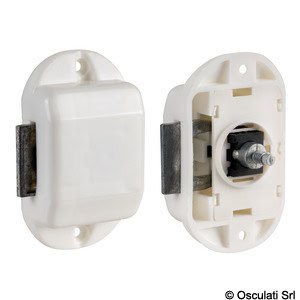
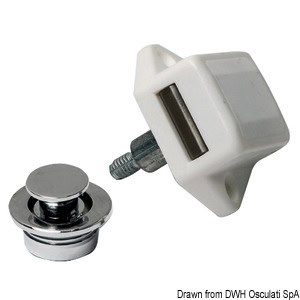 Chrome-plated brass button 19 mm – code: 38.182.10 – Osculati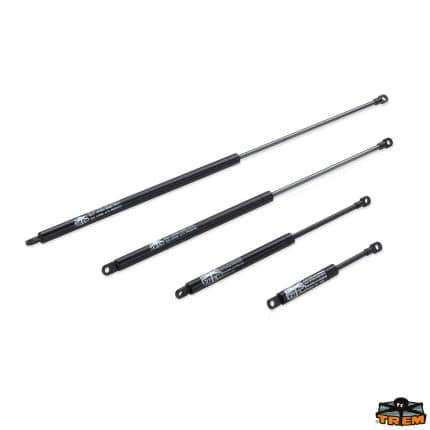

How to use this hardware guide to buy better and assemble without wasting time
The difference between an effective order and one that causes delays almost always lies in the method. A good hardware guide helps to do three things in an orderly way: identify the function of the component, check compatibility and measurements, complete the purchase with truly useful spare parts and accessories. This is the step that prevents repeated errors, unexpected disassemblies, and replacements done twice.
If you are looking for a solution suitable for your intervention, explore the category dedicated to hardware or consult the brands available in the store: finding the correct component from the start means working better, reducing unforeseen issues, and simplifying future maintenance.
FAQ
How to choose the right hardware without making a wrong purchase?
The safest method is to start from the component's function, measure the actual dimensions, check the support on which it will be mounted, and compare everything with the product sheet. Avoid choosing based solely on the photo or similarity to an already installed part.
Which measurements should be checked before ordering hardware?
It depends on the application, but generally it is useful to check diameters, lengths, widths, center distances, compatible thicknesses, and mounting dimensions. If any data is unclear, check the product sheet before completing the order.
Why can a seemingly identical hardware component be incompatible?
Because compatibility does not depend only on the external shape. Dimensions, fixing points, mounting methods, couplings with other elements, and intended use often change. Even small differences can prevent correct assembly.
What to check for proper hardware maintenance?
It is advisable to check the accessibility of the component, ease of disassembly, presence of wear parts, and compatibility of spare parts with the existing system. Planning these aspects already at the purchase stage helps to reduce downtime and repeated interventions.
Is it useful to do a test before the final assembly?
Yes, especially when there are multiple elements to align or when replacing an existing component. A dry fit allows checking seats, clearances, fastening points, and freedom of movement before the final tightening.


